


MOST POPULAR PRODUCT

 Send Inquiry
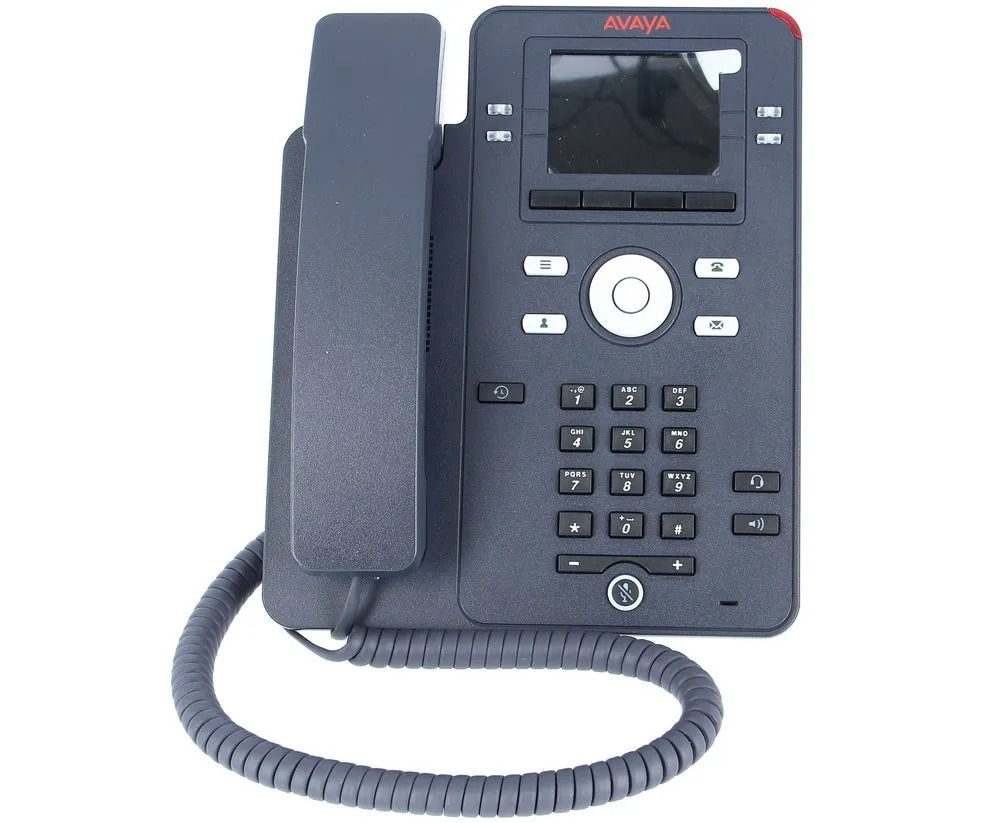
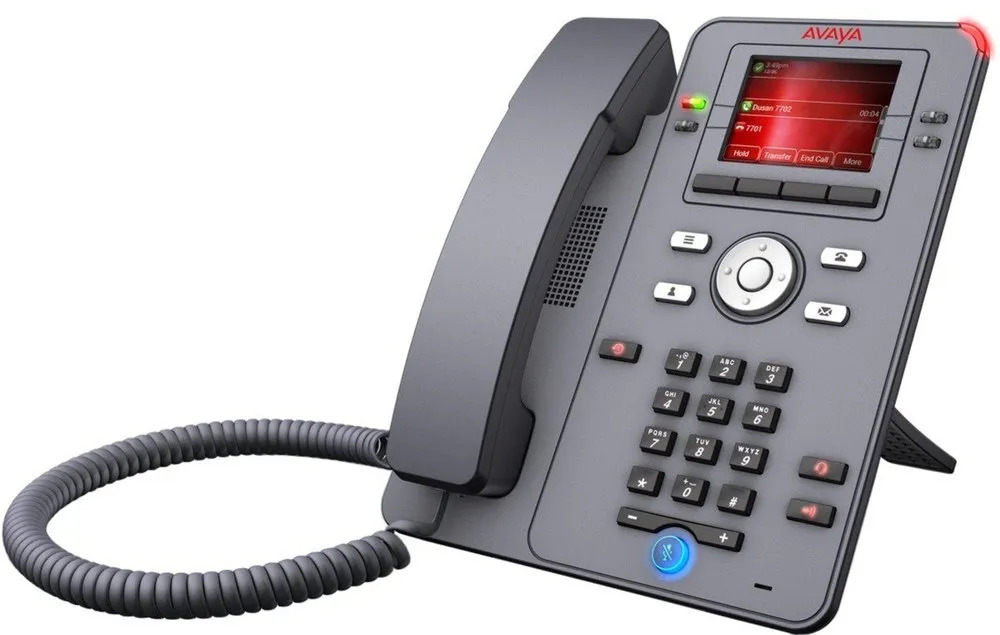
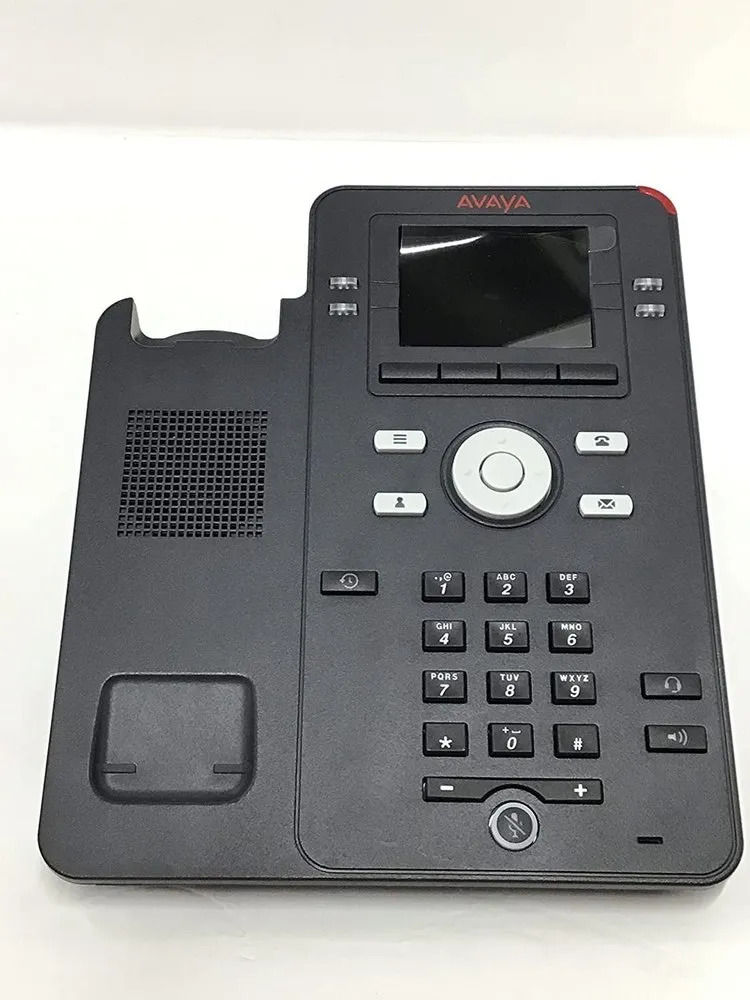
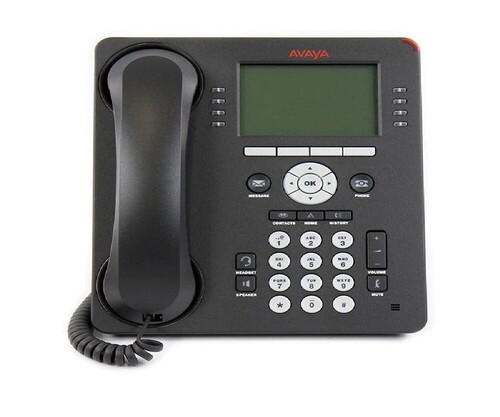
Avaya J139 IP Telephone
Price 12000.00 INR/ Piece
MOQ : 1 Piece
Avaya J139 IP Telephone Specification
- Usage & Applications
- This phone supports both desk and wall mounting for flexible installation and is powered by IEEE 802.3af PoE or an optional AC adaptor
- Operating Environment
- Temperature: 0C to 40C; Humidity: 5% to 95% RH non-condensing
- Firmware Updates
- Remote firmware upgrade supported
- Lines Supported
- Four programmable line/feature keys
- Dimensions
- 204 mm x 188 mm x 50 mm (W x D x H)
- PoE Support
- IEEE 802.3af Power over Ethernet
- Mounting Options
- Desk stand and wall mountable
- Headset Port
- RJ9 headset port
- Compliance
- CE, FCC, UL certified
- Network Protocols
- IPv4/IPv6, TCP/IP, DHCP, LLDP, VLAN
- Audio
- Wideband audio clarity, full-duplex speakerphone
Avaya J139 IP Telephone Trade Information
- Minimum Order Quantity
- 1 Piece
- Delivery Time
- 1 Week
Avaya J139 IP Telephone About
The Avaya IP Phone J139 provides a modern, connected, personalizedexperience for customers and addresses the need for secure, reliablevoice communications for users within large enterprises and small andmedium-sized companies. It is well suited for users that need only themost commonly used voice features. It provides a new level of simplicityin using features such as Hold, Transfer, Conference, Forward, and CallPark / UnParkExceptional Audio Performance
Enjoy clear, natural voice communication with wideband audio and a full-duplex speakerphone. The Avaya J139 ensures every call maintains clarity, whether using the handset, speakerphone, or an external headset via the RJ9 port. These features are ideal for business users who need reliable, comfortable conversations throughout their workday.
Versatile Connectivity and Power Options
This phone supports both desk and wall mounting for flexible installation and is powered by IEEE 802.3af PoE or an optional AC adaptor. Dual Ethernet interfaces provide data speeds up to 1000 Mbps, supporting seamless networking and device integration. Designed for easy deployment in any office, the J139 simplifies communication setup.
Comprehensive Control Features
Four programmable line/feature keys allow users to customize their experience for speed and convenience. The integrated color display, hard navigation keys, and cluster buttons ensure intuitive operation. With integrated voicemail, caller ID, DND (Do Not Disturb), and support for call transfer, the J139 meets the daily demands of a busy office.
FAQs of Avaya J139 IP Telephone:
Q: How does the Avaya J139 improve audio clarity for business calls?
A: The Avaya J139 utilizes wideband audio and a full-duplex speakerphone, allowing users to experience superior sound quality on every call. This technology minimizes echoes and background noise, making conversations crisp and natural.Q: What are the different ways to power the Avaya J139 IP Telephone?
A: You can power the J139 using IEEE 802.3af Power over Ethernet (PoE) for a clutter-free setup or with an optional AC to 5-volt power adapter if PoE is not available in your network environment.Q: Where can I install the Avaya J139 in my office?
A: The Avaya J139 is designed for flexible placement and can be mounted either on a desk using the included stand or on a wall, making it suitable for various office layouts and workspaces.Q: When are firmware updates provided and how are they handled?
A: Firmware updates for the Avaya J139 can be deployed remotely by your IT department or service provider, ensuring your device stays up-to-date with the latest features and security improvements without interrupting daily use.Q: What network protocols does the Avaya J139 support for smooth integration?
A: This IP telephone supports IPv4/IPv6, TCP/IP, DHCP, LLDP, and VLAN protocols, which facilitate seamless integration into modern network infrastructures and ensure secure, reliable connectivity.Q: How can the programmable line/feature keys benefit daily business operations?
A: The four programmable keys on the J139 allow quick access to frequently used features or lines, enabling faster call handling and increased efficiency during busy workdays.Q: What is the advantage of a second Ethernet interface on this phone?
A: The second Ethernet port (10/100/1000 Mbps) allows you to connect another network device, such as a PC, directly through the phone, optimizing desk space and cabling in your office setup.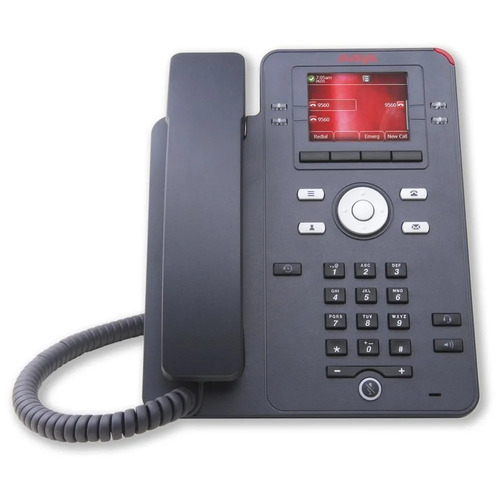
Tell us about your requirement

Price:
Quantity
Select Unit
- 50
- 100
- 200
- 250
- 500
- 1000+
Additional detail
Mobile number
Email

More Products in Avaya IP Phone Category
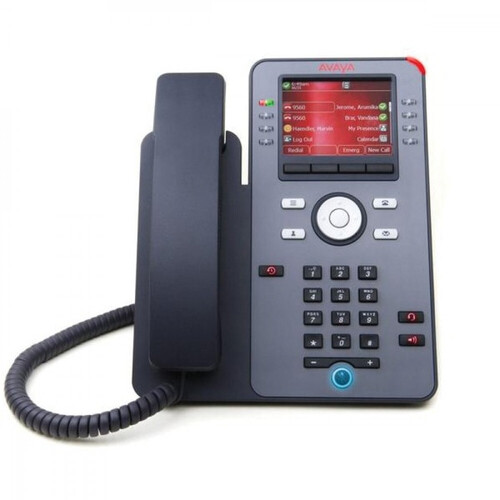
Avaya J179 IP Telephone
Price 22000.00 INR / Piece
Minimum Order Quantity : 3 Pieces
Weight : 900 Grams (g)

Quick Inquiry


Contact Details
OPTIMA TECHNOLOGIES
GST : 29AKMPK0694E1ZW
GST : 29AKMPK0694E1ZW
No 439/23, 2nd Main Road, Nrupathunga Layout, JP Nagar 7th Phase,Bengaluru - 560078, Karnataka, India
Phone :08045477919

 Send Inquiry
Mr Niranjan V (Proprietor)
Mobile: 08026642852
Mobile: 08026642852

 |
OPTIMA TECHNOLOGIES
All Rights Reserved.(Terms of Use) Developed and Managed by Infocom Network Private Limited. |
